At 4:09, Blue held the rotation and forced Red into a staggered final push, securing the hill before support arrived.
The match changed when Blue rotated early and converted the next two hills while Red continued contesting from weak spawns.
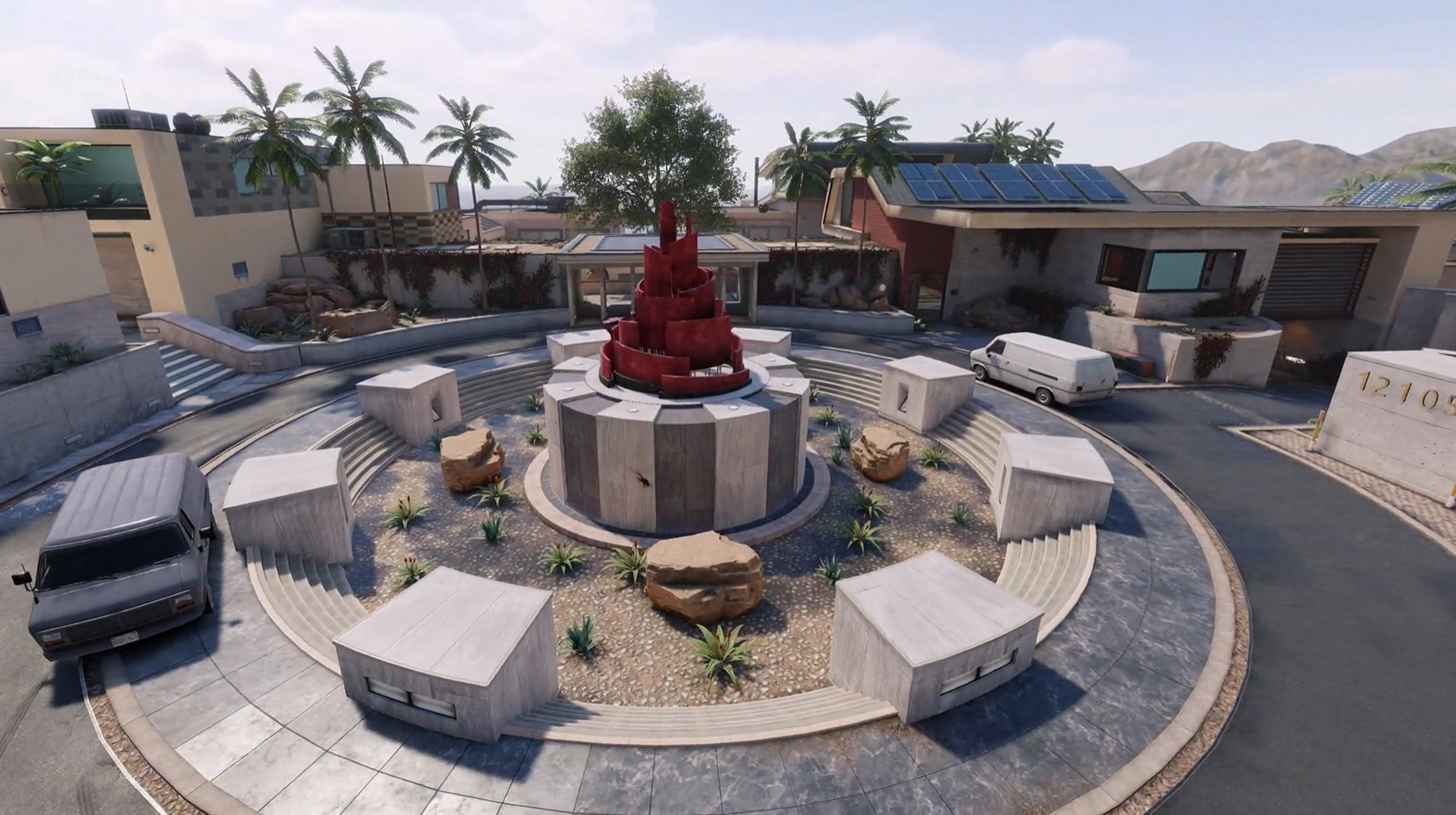
Upload a match recording and turn it into a coach-style debrief: who controlled the map, where deaths stacked up, which players made the difference, and what the team fixes next.
No generic scoreboard recap. GameMind surfaces the defining moment, momentum shift, MVPs, and the mistakes that kept repeating.
At 4:09, Blue held the rotation and forced Red into a staggered final push, securing the hill before support arrived.
The match changed when Blue rotated early and converted the next two hills while Red continued contesting from weak spawns.
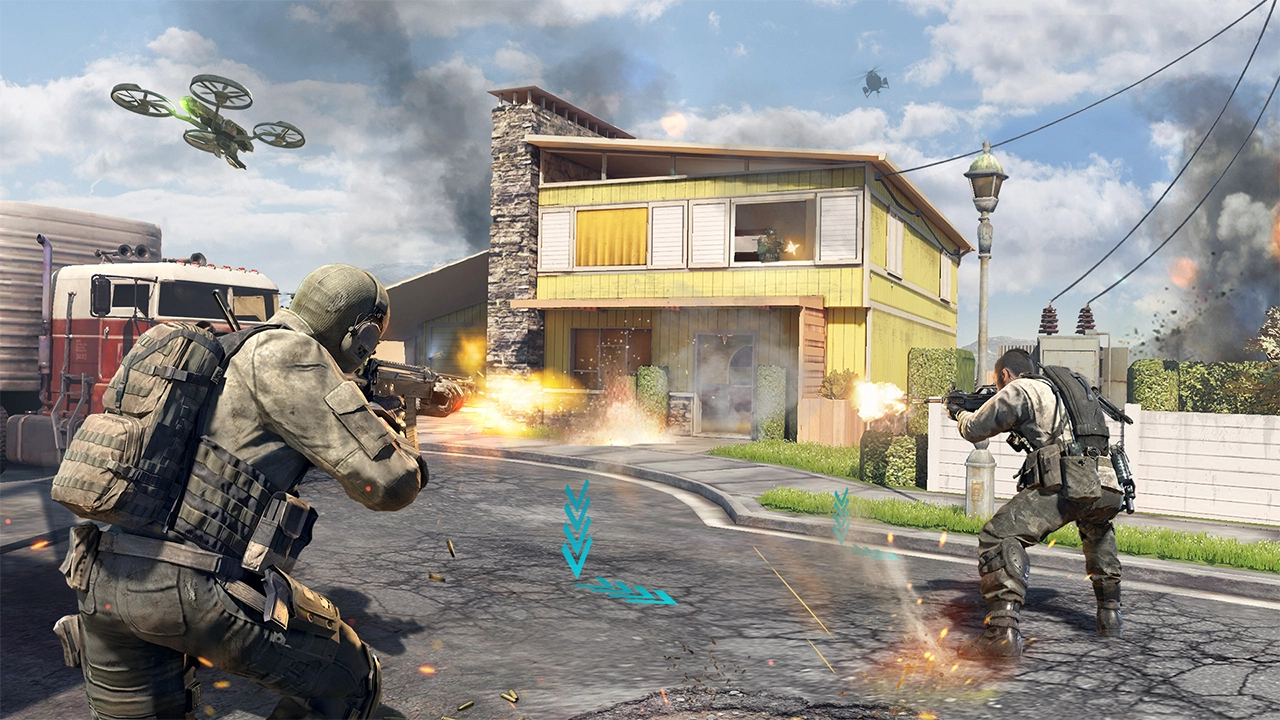
GameMind opens with the match story first: who won, why control flipped, and which mistakes deserve attention before the next scrim.
The map dominance timeline shows blue, mid, and red side presence across the match, so teams can see exactly when control shifted and who led the map.
The coordination card and average rotation time explain whether players rotated with clear roles or left anchors and slayers disconnected.
Successful flank cards show the routes that created kills, while ignored-route cards expose free paths that could have broken the hill earlier.
Held top laundry alone and delayed the break long enough for the full rotation.
Rechallenged the same lane without support and gave away the early-spawn advantage.
The player card gives the grade, kills, deaths, best moment, worst moment, and coach note, while the radar profile shows the shape of that player’s impact.
Switch between all ten players from the real Combine sample. GameMind separates individual movement density from the team-wide view, exposing repeated holds, narrow routes, and unused space.
Open the report and move straight from argument to evidence: control, deaths, and the fix.
Use the dominance timeline to see when blue, red, or mid controlled pressure and where the match swung.
Pinpoint the area where deaths stacked up, then review who entered late, solo, or without a trade.
Coach notes turn the evidence into player-specific priorities: hold, rotate, trade, or stop forcing.
A 30-second Combine replay turns player tracking into coaching evidence. Follow routes, inspect support spacing, and switch to the heatmap without leaving the map.
Routes: see where every tracked player moved and which lanes the team repeatedly used.
Trace each player through the map to expose repeated rush routes, late wraps, and lanes the team never used.
Player names · movement timelineSee who could trade or support nearby, how compact the team stayed, and which player became isolated before a break.
Support links · team shapeMove beyond one team-wide blob. Inspect pressure and death density for the squad or for one selected player.
Combine map · player filtersHardpoint rotation response is calculated from tracked movement and hill transitions, so the timing stays consistent across reports.
Evidence-based · Hardpoint onlyOpen key fights from the report and download tactical replays or player-position clips at normal playback speed.
Per event · downloadableConnect recurring matches to reveal map identity, player chemistry, best pairings, persistent mistakes, and the next team-wide priority.
Roster history · coach directionThe report UI stays analytical, but the site now carries more of the game’s visual energy where it belongs.
Use GameMind to turn chaotic respawn matches into readable control swings, deaths, and team decisions.
Review spacing, overextensions, death timing, and the moments where a team gave away useful ground.
Keep the debrief focused on roles, routes, trades, and the next adjustment each player needs to make.

Use a clear CODM recording with visible minimap and match context.

Choose mode, map, teams, and player names so the report reads cleanly.

Open verdicts, timelines, death zones, heatmaps, and player report cards.

Give the team direct priorities before the next ranked block or scrim.
Plans include monthly analysis minutes for match videos plus team reviews for season-style coaching. Limits are tuned from real full-video processing costs, so players get useful volume while GameMind avoids surprise overages.
For players who want one real report before committing.
For ranked players and small duos reviewing a light scrim schedule.
For serious players and squads reviewing multiple scrim blocks.
For captains, coaches, and analysts managing recurring team review.
For academies, orgs, schools, and coaching groups.
Keep your current subscription and add only what the next scrim block needs. Purchased balances do not expire, and GameMind always uses the allowance included with your plan first.
Additional match-processing capacity for uploads. Video-length, mode, daily-upload, and other plan limits still apply.
A quick refill when the monthly process-minute allowance runs low.
Enough additional capacity for several complete match reviews.
A larger reserve for recurring team scrims and tournament blocks.
Available from Account Settings after signing in.
Signups ClosedEach credit generates one season-style team review. Team setup, report mapping, and subscription team limits remain unchanged.
A small refill for the next few squad and coaching review sessions.
Built for active coaches reviewing several squads or scrim blocks.
A long-run reserve for recurring roster, squad, and season reviews.
Purchased review credits are used only after the monthly plan allowance is exhausted.
Log In To BuyAn analysis minute is the billing unit for processed match footage. Simple matches consume close to their video length; objective-heavy modes like Search & Destroy may use more because GameMind tracks rounds, bomb flow, eliminations, and team review context.
Monthly subscription allowances are consumed first. One-time process minutes and team-review credits remain in the account until they are used, even after the monthly billing window resets.
Launch pricing. Plan limits are designed to keep review affordable while protecting high-cost video processing during heavy usage.
Use clear gameplay footage where the minimap, kill feed, and match flow are visible.
Yes. Rotation timing, hill control, map dominance, and death patterns are core parts of the review.
Yes. Add player names manually, and use OCR name fill where it is available.
Completed reports stay in match history so your team can revisit them later.
They are the monthly processing allowance for match footage. Objective-heavy modes may use more because the report tracks more events.
Yes. Add-on packs cover busy scrim weeks without forcing you into a higher monthly plan.
Yes. One-time review packs add non-expiring credits to your account after the reviews included with your monthly plan are used.
Scrim teams, captains, analysts, coaches, and serious ranked players who want structured review.
You still can, but GameMind gives you the tactical starting point before the long replay session begins.
Upload your next CODM recording and turn it into a clean tactical debrief your team can act on.
Teams want review that gets to the point.
Short, practical comments from the kind of players and captains GameMind is built for.